
🦊 What Is MetaMask and How to Use It: Complete Beginner’s Guide 2025
If you’re exploring Web3, NFTs, or DeFi, one tool you’ll hear about is MetaMask. But what is MetaMask and how to use it safely?
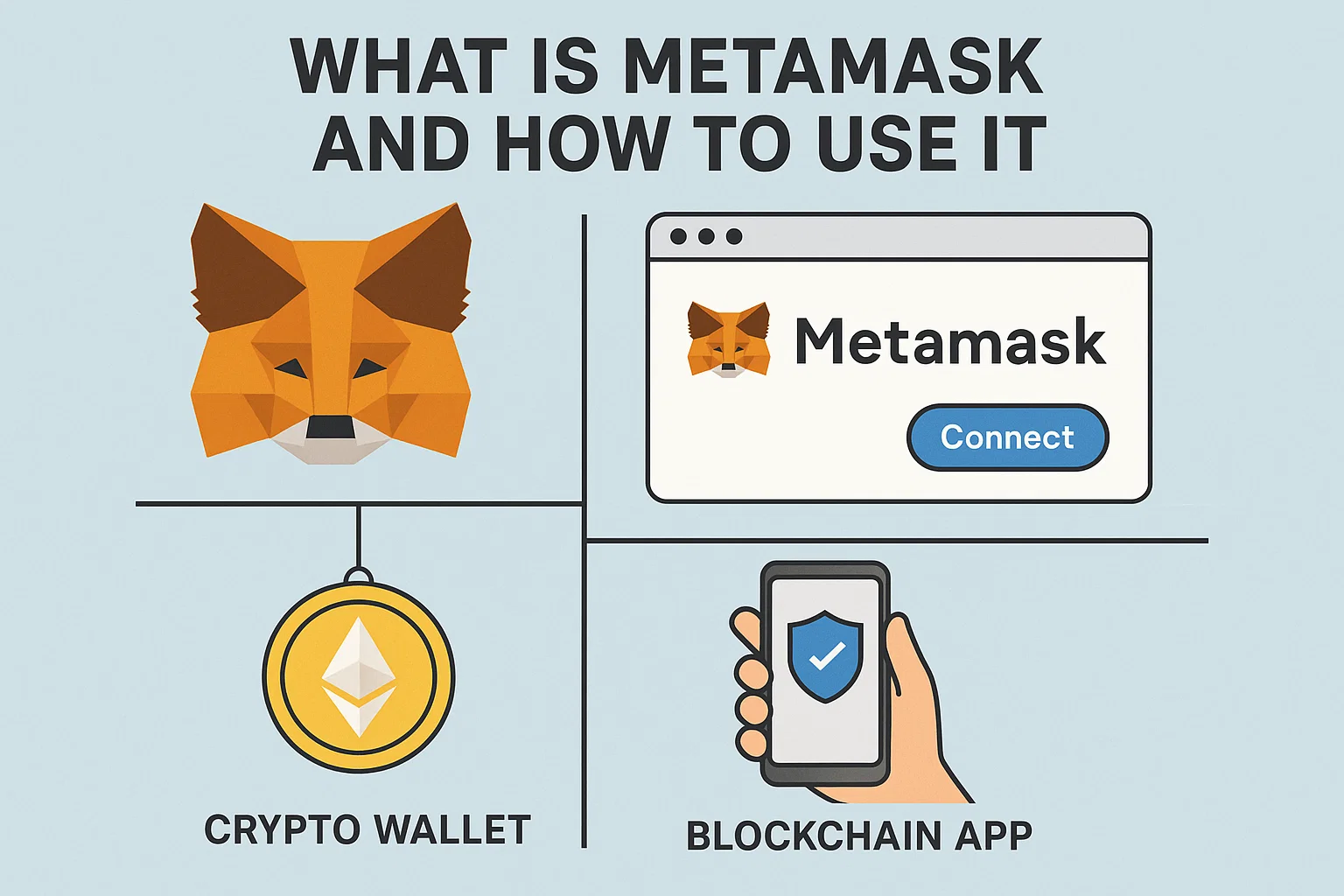
MetaMask is a non-custodial crypto wallet and Web3 gateway. At bit2050.com, we’ve created this step-by-step beginner’s guide to help you install and use MetaMask like a pro in 2025.
🔍 What Is MetaMask?
MetaMask is a browser extension and mobile app wallet used to:
-
Store Ethereum and ERC-20 tokens
-
Connect to Web3 apps like Uniswap, OpenSea, Aave
-
Interact with smart contracts directly from your browser
It acts as a bridge between your crypto wallet and dApps, making it essential for anyone using blockchain services.
🛠️ How to Use MetaMask (Step-by-Step)
Step 1: ✅ Install MetaMask
-
Visit https://metamask.io
-
Download the extension for Chrome, Firefox, Brave, or Edge
-
Or get the mobile app (iOS/Android)
Step 2: 📝 Create a New Wallet
-
Click “Create Wallet”
-
Set a strong password
-
Write down your 12-word seed phrase (Don’t share this with anyone!)
Step 3: 🧩 Add Networks (Optional)
By default, MetaMask supports Ethereum Mainnet. You can also manually add:
-
Binance Smart Chain (BSC)
-
Polygon (MATIC)
-
Arbitrum or Optimism
Step 4: 💸 Receive & Send Tokens
-
Click “Receive” to get your wallet address
-
Use “Send” to transfer ETH or tokens to others
Step 5: 🌐 Connect to dApps
🔐 Safety Tips for Using MetaMask
-
Never share your seed phrase or private keys
-
Use a hardware wallet for large amounts
-
Always double-check URLs before connecting to dApps
-
Enable phishing protection in settings
🧠 Useful Links – bit2050.com
🌐 Resources
❓ FAQ – What Is MetaMask and How to Use It
Q1: Is MetaMask free to use?
A: Yes, it’s completely free. You only pay gas fees when transacting on the blockchain.
Q2: Can I store Bitcoin in MetaMask?
A: No. MetaMask only supports Ethereum and EVM-compatible chains, not Bitcoin.
Q3: What happens if I lose my MetaMask password?
A: You can recover your wallet using your 12-word seed phrase. Without it, your funds are lost permanently.
Q4: Can I use MetaMask on my phone?
A: Yes, MetaMask is available as a mobile app for iOS and Android.
Q5: Is MetaMask safe for beginners?
A: It’s beginner-friendly, but always follow basic crypto safety rules to protect your funds.
✅ Final Thoughts
Now you understand what is MetaMask and how to use it — from setup to secure transactions. It’s your passport to the decentralized future of finance, identity, and apps.
Start using Web3 the smart way with trusted guides on bit2050.com — your hub for crypto and blockchain education in 2025.