
🔁 How to Transfer Crypto Between Exchanges – 7 Safe & Easy Steps for 2025
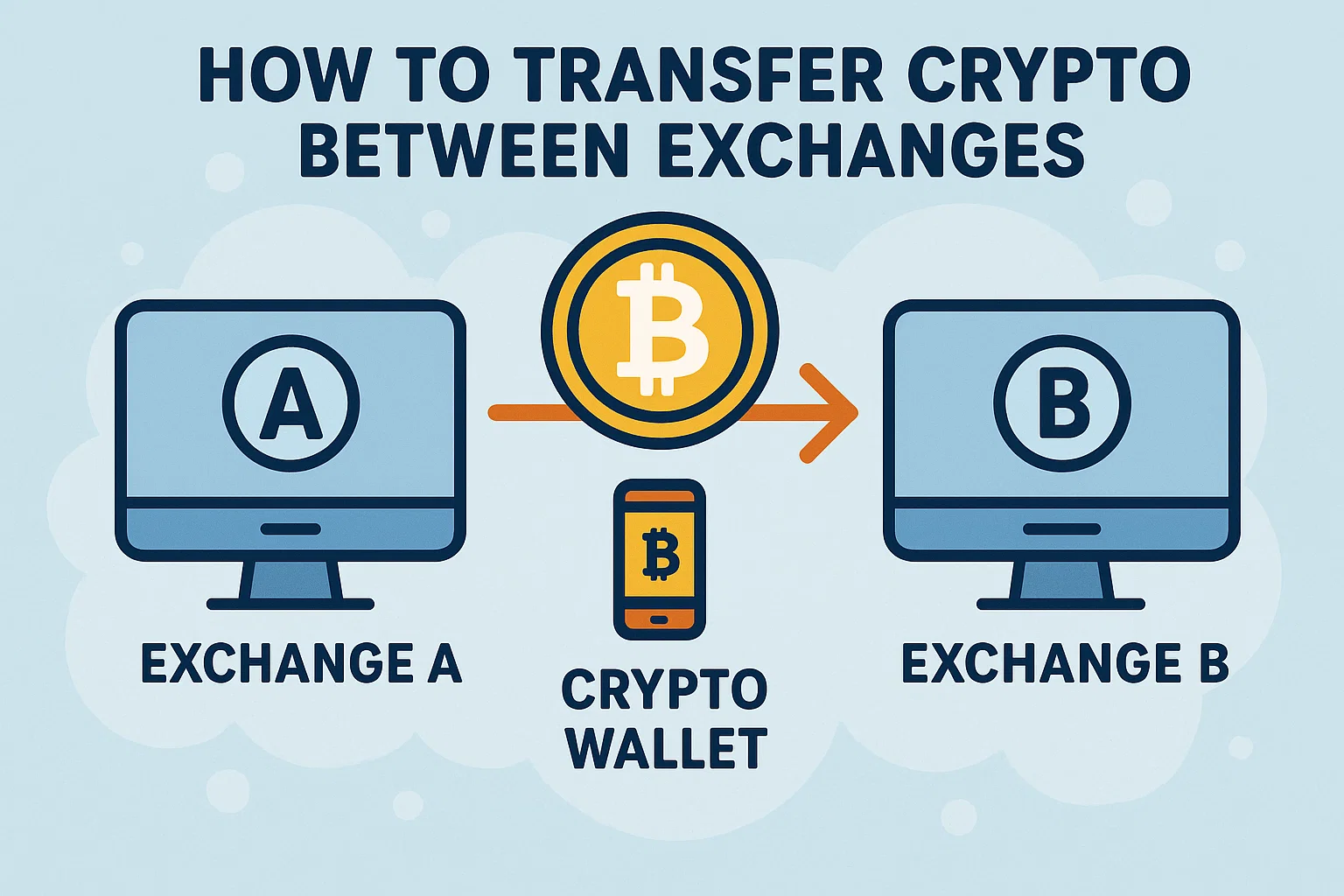
Need to move your crypto from Binance to Coinbase, or from WazirX to KuCoin?
If you don’t know how to transfer crypto between exchanges, you might end up paying high fees, sending to the wrong address, or losing assets entirely.
Here’s a step-by-step guide to do it safely in 2025.
⚙️ Why Transfer Crypto Between Exchanges?
You might want to:
-
Get lower trading fees
-
Access different trading pairs
-
Withdraw fiat more easily
-
Use new features (e.g., staking, launchpads)
But moving crypto isn’t as simple as a bank transfer. Let’s go through the process.
✅ 7 Steps: How to Transfer Crypto Between Exchanges
1. 📥 Log In to Your Destination Exchange
Example: You want to transfer USDT from Binance to CoinDCX. First, log in to CoinDCX.
2. 📬 Get Your Deposit Address
-
Go to “Wallet” > “Deposit”
-
Select the correct coin (e.g., USDT)
-
Choose the correct network (e.g., TRC20, ERC20, BEP20)
-
Copy the deposit address
⚠️ Tip: Never guess the network. Always match it with the sending exchange.
3. 📤 Go to Your Sending Exchange
Log into Binance or your source exchange.
Navigate to Wallet > Withdraw.
4. 🔗 Paste the Address & Select Network
-
Paste the address you copied from CoinDCX
-
Choose the same network as selected on the receiving exchange
-
Enter the amount
5. ✅ Confirm Details
Double-check:
-
Crypto coin
-
Network
-
Address
-
Fees
Mistakes can’t be reversed.
6. 🔐 Complete 2FA or OTP
Most exchanges will ask for 2FA (Google Authenticator), email, or phone verification.
7. ⏳ Wait for Blockchain Confirmation
-
TRC20: ~2 mins
-
ERC20: 5–15 mins
-
BTC: 10–60 mins
Check the status under “Transaction History.”
🧠 Pro Tips for Safe Transfers
-
Avoid transferring large amounts at once. Do a test transfer first
-
Always match network on both exchanges
-
Don’t use unsupported coins (you might lose them permanently)
🔗 Useful Links – bit2050.com
🌐 Resources
❓ FAQ – How to Transfer Crypto Between Exchanges
Q1: What happens if I choose the wrong network?
A: Your crypto may be lost permanently. Always double-check and match the same network on both platforms.
Q2: How much are the transfer fees?
A: Fees vary by network:
-
TRC20: Low (~$1)
-
ERC20: High (~$10–$30)
-
BEP20: Medium
Q3: How long does a crypto transfer take?
A: Usually 2 to 30 minutes, depending on network congestion.
Q4: Can I cancel a transfer?
A: No. Once submitted on the blockchain, transfers are irreversible.
Q5: What’s the safest coin for fast transfers?
A: USDT via TRC20 is fast and cheap. BNB and MATIC are also great options.
🧾 Final Thoughts
Knowing how to transfer crypto between exchanges safely is an essential skill for any crypto trader or investor. Follow these 7 steps to avoid costly mistakes.
For more crypto tutorials and security tips, visit bit2050.com — your gateway to crypto confidence.