
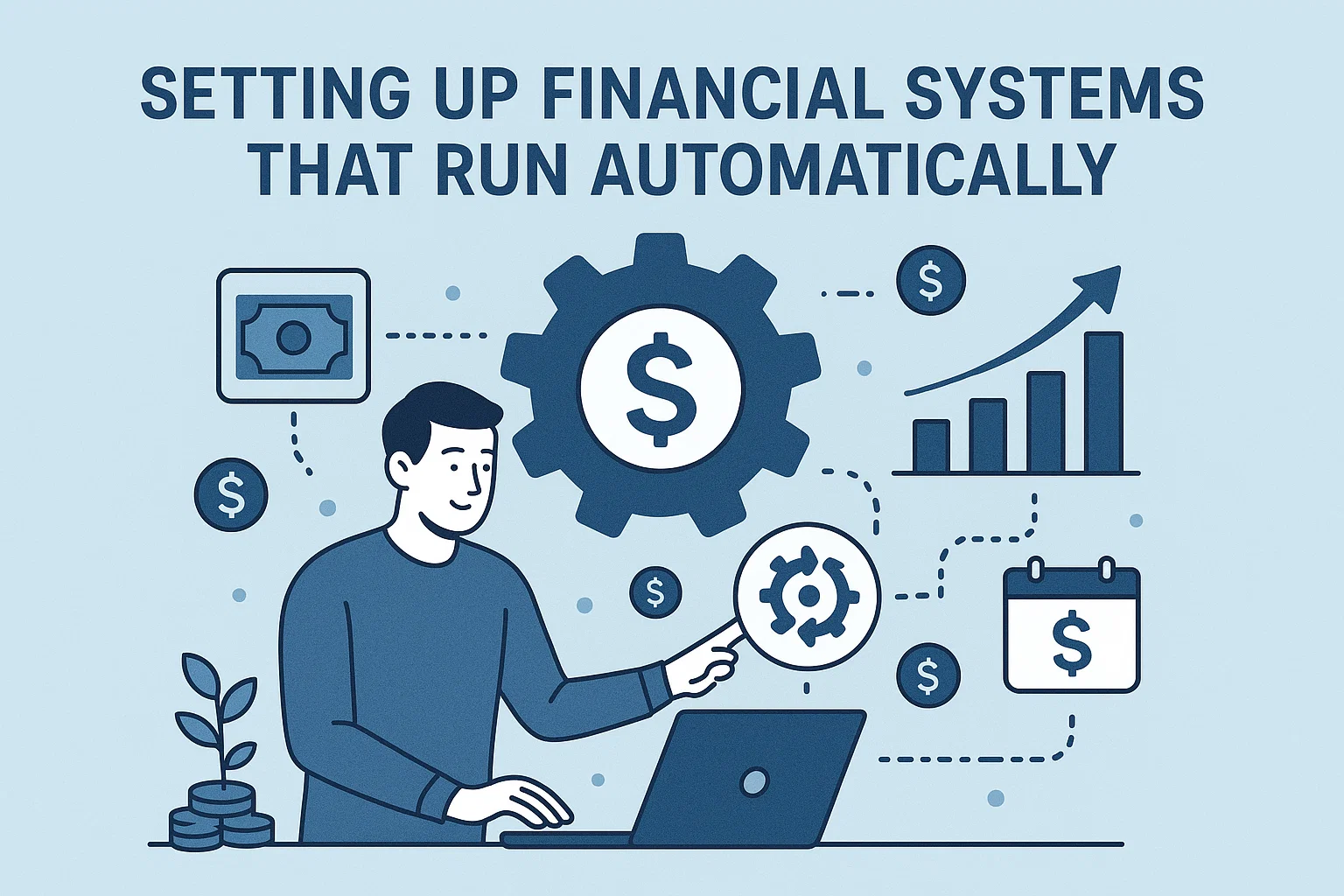

📌 Introduction
What if your money could manage itself?
With a few simple steps, you can set up automated financial systems that help you save, invest, and pay bills — without lifting a finger every month.
Here’s your 2025 guide to setting up financial systems that run automatically, so your finances stay on track even when life gets busy.
⚙️ 9 Steps to Setting Up Financial Systems That Run Automatically
1. 🏦 Auto-Save Every Month
Set an auto-transfer from your salary account to:
-
Emergency Fund (Savings A/c or Liquid Fund)
-
Vacation Fund
-
Child’s Education Fund
Recommended tool: Use standing instructions (SI) or scheduled UPI transfers.
2. 📅 Automate Investments (SIP)
Start monthly SIPs in:
-
Mutual Funds (via Groww, Zerodha, ET Money)
-
NPS
-
Gold/Sovereign Bonds
Let compounding work in your favor.
3. 🧾 Auto-Pay Bills
Set up auto-pay for:
-
Credit cards
-
Utility bills
-
EMIs
-
Insurance premiums
Use platforms like CRED, Bharat BillPay, or your banking app.
4. 📊 Budget Tracking with Apps
Connect your bank accounts to budgeting apps like:
-
ET Money
-
Walnut
-
Cube Wealth
These apps give real-time updates and expense categorization.
5. 📈 Auto-Rebalance Annually
Use robo-advisors or tools like Kuvera to set yearly portfolio reviews.
They help you rebalance your asset mix without manual effort.
6. 🛑 Set Auto-Limits on Spending
Use credit cards and UPI apps that alert or block after a certain spend.
Example: Set a monthly Swiggy/Zomato limit via credit card controls.
7. 📤 Schedule Financial Reminders
Set recurring reminders in Google Calendar or Notion for:
-
Quarterly reviews
-
Tax filing deadlines
-
Investment check-ins
8. 🧠 Use Auto-Debit for Financial Goals
Set fixed auto-debits to recurring deposit (RD) or other long-term plans:
-
₹5,000/month to FD
-
₹2,000/month for travel fund
-
₹1,000/month to charity
9. 📤 Automate Income Streams
Set up automation for:
-
Freelance invoices (using Razorpay/Zoho)
-
YouTube, AdSense, or affiliate payouts
-
Rent collections
More passive = more peace.
🔗 Useful Links – bit2050.com
🌐 Resources
❓ FAQ – Setting Up Financial Systems That Run Automatically
Q1. Why should I automate my finances?
Automation saves time, avoids missed payments, and builds wealth with minimum effort.
Q2. Is it safe to use auto-pay features?
Yes, if you use verified apps and banking platforms with multi-factor authentication.
Q3. How do I start with low income?
Start small. Even ₹500 auto-SIP or ₹1000 savings transfer is a powerful habit.
Q4. What happens if I forget to update goals?
Set quarterly reminders to review and realign your goals and amounts.
Q5. Can automation lead to overspending?
No — use alerts and spending limits in apps or cards to stay disciplined.
✅ Final Thoughts
By setting up financial systems that run automatically, you gain back time, reduce stress, and stay consistent with your money goals — the three ingredients for long-term success.
Let your finances work on autopilot with smart planning and tools.
Start automating your money journey today with help from bit2050.com.


