

🏦 Introduction
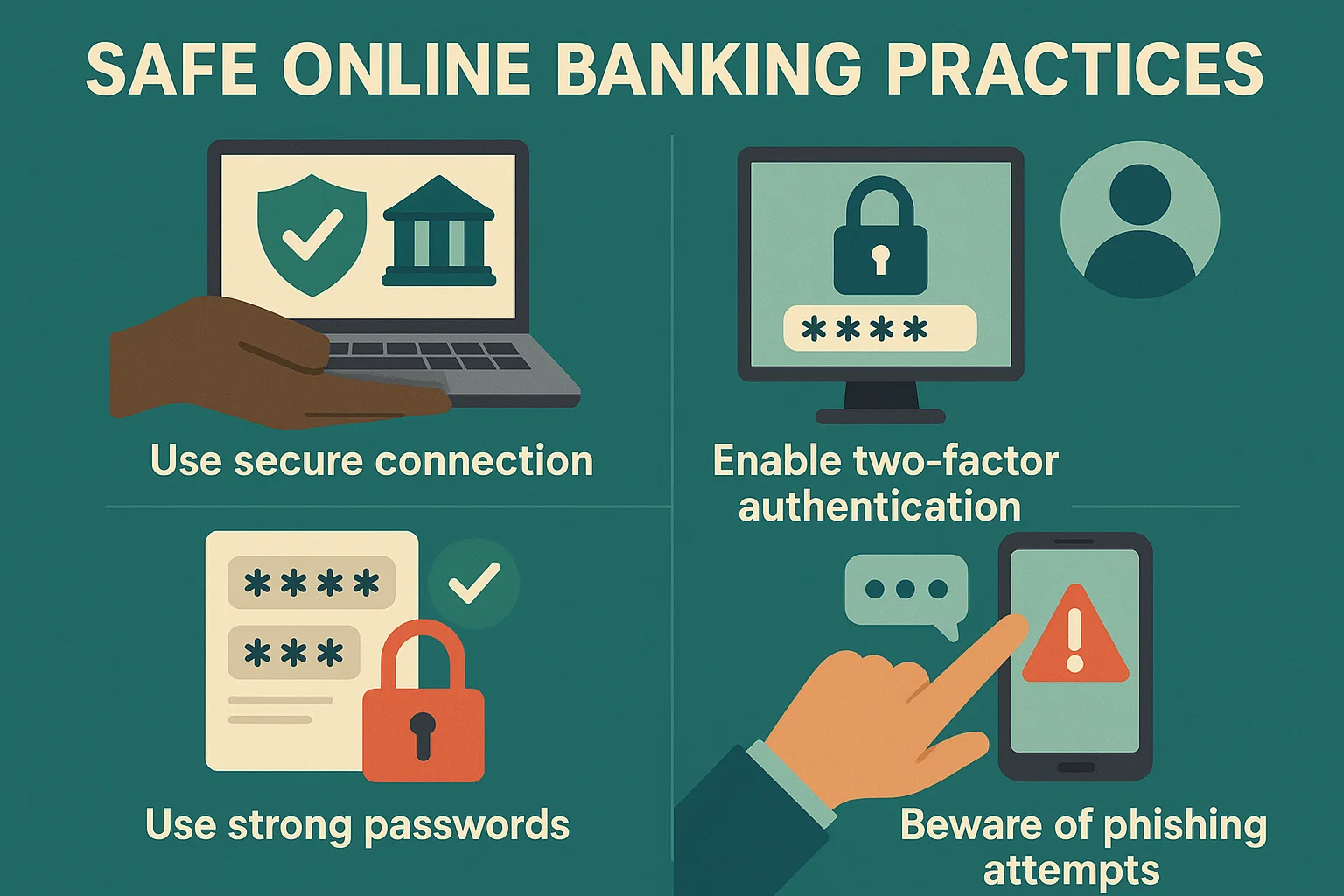
Safe Online Banking Practices: In today’s digital world, online banking is convenient—but also risky if you’re not careful. From phishing scams to credential theft, cybercriminals are targeting users more aggressively than ever.
To help you bank confidently and securely, bit2050.com presents 11 essential safe online banking practices that every user must follow in 2025.
✅ 11 Safe Online Banking Practices to Follow
1. 🔒 Use Strong, Unique Passwords
Avoid birthdays or “123456.” Use complex passwords with letters, numbers, and symbols. Change them every 90 days.
2. 📲 Enable Two-Factor Authentication (2FA)
Most banks now offer 2FA. It adds an extra layer of protection beyond your password.
3. 🧠 Avoid Public Wi-Fi for Banking
Never log into your bank account on public networks like malls, cafes, or airports. Use a VPN if necessary.
4. 🚨 Beware of Phishing Emails
Fake bank alerts asking for OTPs or logins are common scams. Never click on suspicious links or share sensitive data via email.
5. 🧼 Clear Cache and Browsing History
Your saved sessions, passwords, or cookies may leak sensitive data. Clean your browser regularly.
6. 📵 Don’t Save Banking Credentials in Browser
Even encrypted browsers like Chrome can be compromised. Use a password manager instead.
7. 🔄 Regularly Monitor Account Activity
Set up SMS/email alerts for every transaction. If you spot any unauthorized activity, report it immediately.
8. 📥 Only Use Official Banking Apps
Always download apps from the official app store or the bank’s official website.
9. 🔄 Keep Your Software Updated
Hackers exploit outdated software. Regularly update your OS, browser, and mobile banking apps.
10. 💻 Use Antivirus and Firewalls
Install and maintain a reputable antivirus program and enable your device’s firewall.
11. 🤖 Don’t Fall for Fake Tech Support
Scammers may call or message pretending to be your bank. Always initiate communication yourself using official numbers.
📎 Useful Links – bit2050.com
🌐 Resources
❓ Frequently Asked Questions (FAQ)
Q1: Can someone hack my bank account if they have my phone number?
No, but if they also have access to your OTP or passwords, your account is at risk. Always enable 2FA.
Q2: How often should I change my online banking password?
Every 3 to 6 months is ideal for enhanced protection.
Q3: Is mobile banking safer than desktop?
Yes, if you’re using an official app on a secure network. Avoid third-party or modded apps.
Q4: What do I do if I fall victim to online banking fraud?
Immediately call your bank’s customer care, block your cards, and file a cybercrime complaint via cybercrime.gov.in.


